


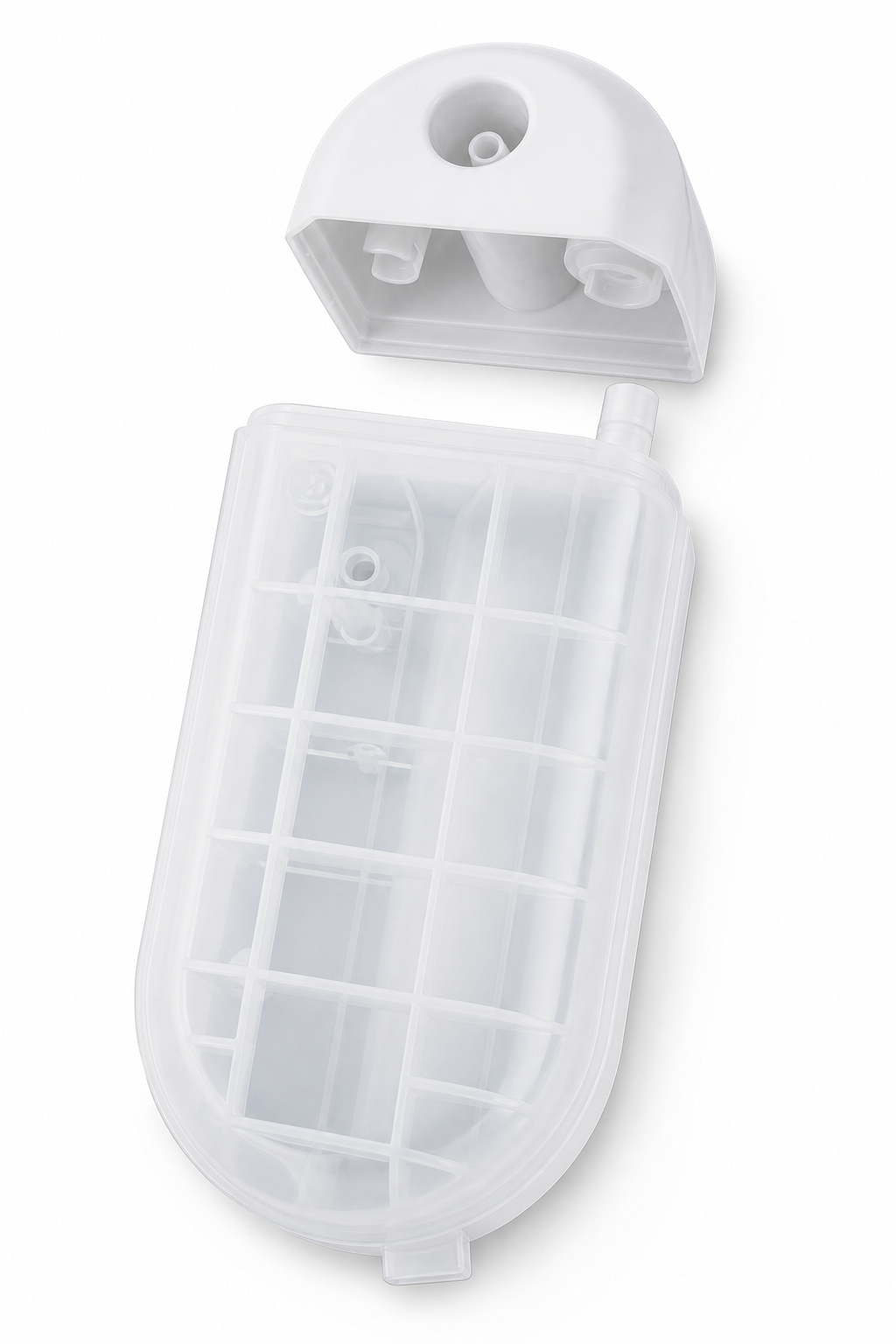
1000 mL NPWT Canister
Preparing a 1000 mL NPWT canister purchase for a project? Bring the item reference, device details and document requirements into one review. PROMED can coordinate product questions with its supply partners. Confirm the proposed item and supporting information before you approve an order.
Configuration to Confirm
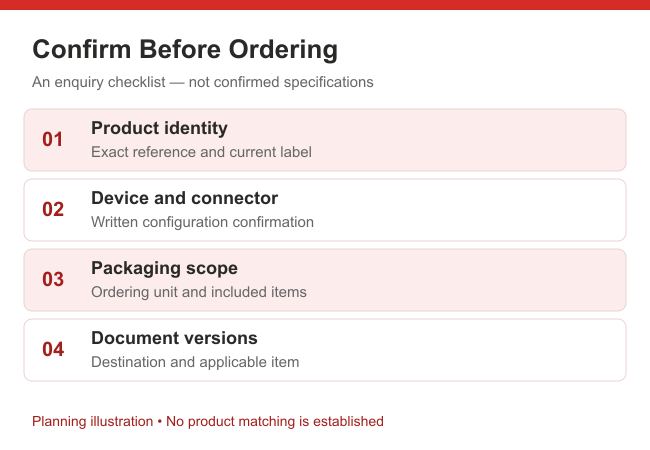
Use this checklist when preparing a 1000 mL exudate collection canister requirement. It identifies information to verify, not confirmed product specifications.
| Checkpoint | Your project information | Record before order approval |
|---|---|---|
| Device model | Device identification and the requested canister reference | Written identification of the proposed product combination |
| Connector configuration | Relevant labels, interface photographs and existing specifications | The configuration and document revision used for review |
| Packaging | Requested contents, labelling details and delivery destination | Agreed contents, ordering unit and packaging description |
| Market-specific documents | Destination, applicant and requested document list | Available documents, applicable item references and unresolved requests |
Keep a short record distinguishing confirmed details from outstanding questions. Record the document title, date or revision when available, and the product reference it covers. If a file refers to a different item, ask for clarification before including it in your approval record. The final purchase description should reflect the information actually agreed, not assumptions carried over from an earlier enquiry.
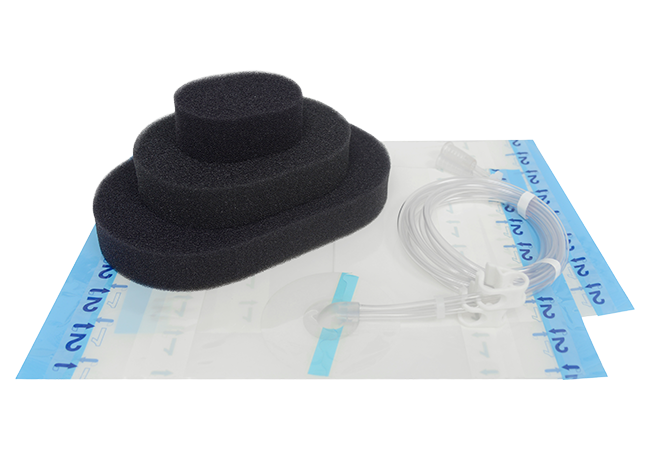
Related NPWT System Components
Your project may include separate equipment and dressing requirements. Review these categories while keeping each item’s evidence and purchasing description distinct.
- Explore negative pressure wound therapy systems for equipment information and a separate device enquiry.
- Review NPWT foam dressing kits if your project needs dressing requirements documented alongside equipment.
- Browse the NPWT canister range for category navigation before identifying a specific item.
A related page is not evidence of compatibility. Do not treat separate product descriptions or photographs as confirmation of a matched configuration.
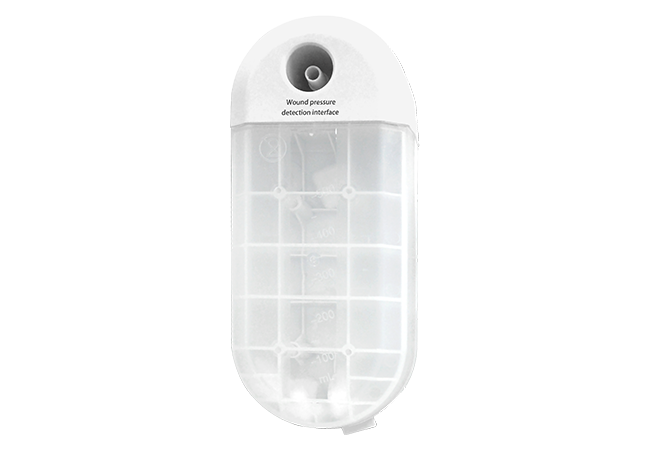
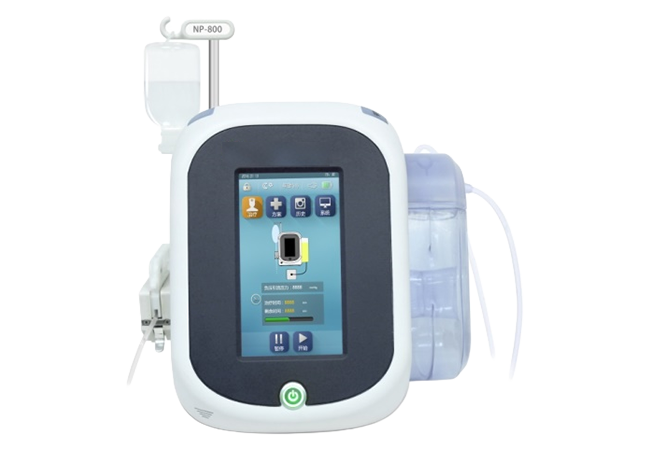
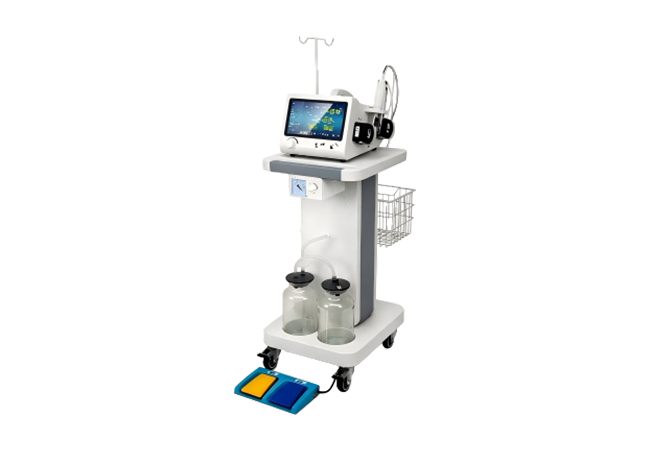
Consumable of NPWT, wound vac canister
- Wound pressure detection connector
- Suction tube connector
- Overflow protector
- Snap-fit joint

Canister overflow prevention ,Highly absorbent gel, capable of absorbing excess waste liquid in canister
Anti-sloshing canister,The maze design inside prevents the waste from flowing into the main unit after the machine has been dropped
How to connect the suction tube to the wound vac canister?
Connect the two joints of the suction tube respectively to the wound pressure detection connector and Suction tube connector on the wound vac canister.
Note:
When the overflow protector is in contact with water, the device will stop working. Replace the wound vac canister with a new one, and tap “Start”, the device will resume working. The overflow protector is inside the canister and requires no installation/debugging by the user; after pipelining, it can function normally when operated as per the User Manual.
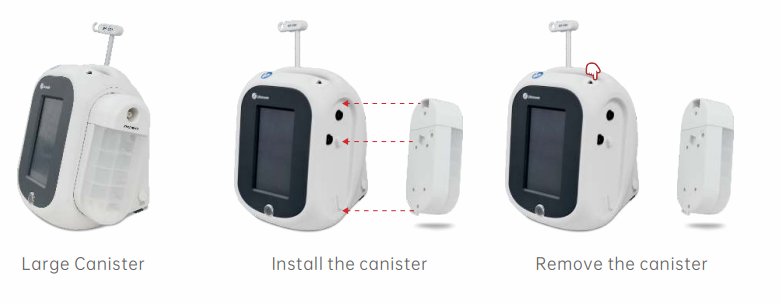
It is unnecessary to empty the wound vac canister; after a single use, press the unlocking button to remove the canister from the main unit, and dispose of it according to the hospital’s rules on the disposal of medical waste.
Buyer FAQ
Add the device identification, expected item reference if known, connector information, destination and requested documents. Mark the details you cannot yet provide as unresolved. Capacity gives your enquiry a starting point, but it does not establish the product configuration or its suitability for your system. Request identification review before proceeding with procurement.
List each difference against the relevant specification entry and ask for a written response. Separate a wording difference from an actual change in the proposed item or contents. Your purchasing team should decide whether the clarification meets its requirements; do not silently replace a required specification with the supplier’s description.
Compare the references and revisions with the exact item proposed in the quotation. Ask which documents are available for that item, destination and applicant. A document for a product family should not be assumed to cover every individual item. Keep missing or unclear coverage visible for your responsible reviewer to resolve.
Use a list showing the question, requested evidence, responsible contact and current status. Separate information received from information accepted by your reviewer. Where an essential item remains unanswered, identify the outstanding decision instead of marking the review complete. This creates a clear record of what has and has not been established.
Compare the supplied item references, stated contents and documents with the final purchase record. Record the discrepancy and ask for clarification through your normal receiving procedure. A commercial receipt check does not establish clinical suitability or authorise use. Keep any separate technical or regulatory review with the responsible personnel.
Share your 1000 mL wound vac canister requirement, device identification, product references, connector photographs, requested documents, quantity and destination. Ask PROMED to coordinate the outstanding checks. Availability of documents and product matching require confirmation for your specific request.