


Tunnel Blood Pressure Monitors
Choose an arm-in measurement setup around your users, recording needs, and available space.
– Compare arm-fit requirements.
– Specify your recording workflow.
– Plan installation and upkeep.
Product Description
PROMED is a medical equipment supplier for buyers comparing tunnel blood pressure monitor options. Start with the people who will use the station, the available space, and how results need to be recorded. This page provides LLK-S602 LLK-S602 kiosk and DBP-01P model enquiry routes, together with a practical framework for comparing configurations. You can request information for an individual unit or a wider procurement project. Include your destination country, quantity, and required functions so the proposed equipment and documents can be assessed against your specification. Model names alone do not establish the included accessories, software functions, or market eligibility.
Models to Discuss
Before selecting this model for further evaluation, ask about the current configuration, measurement documentation, and equipment scope for your project.
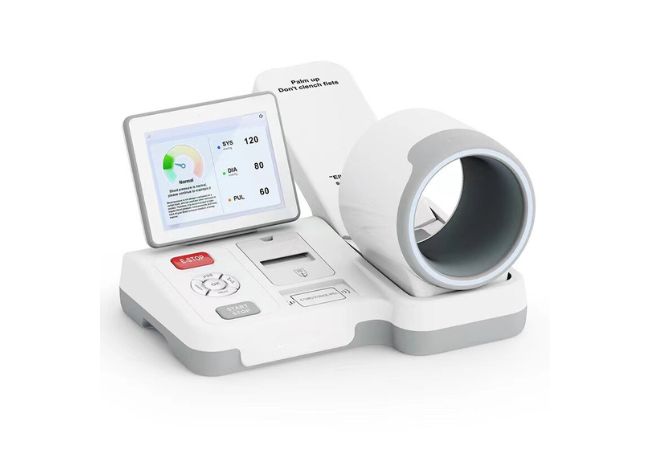
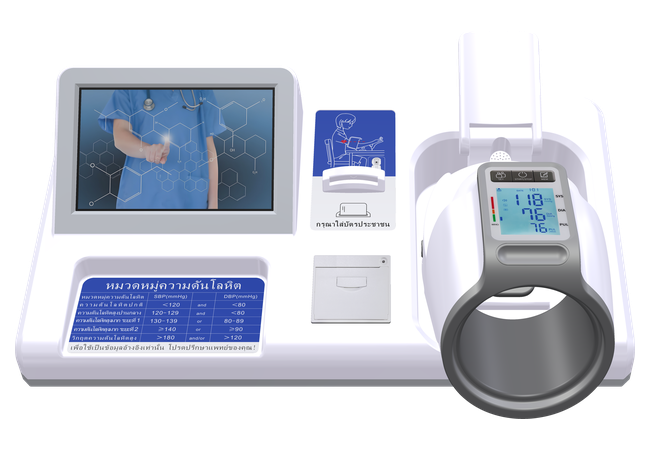
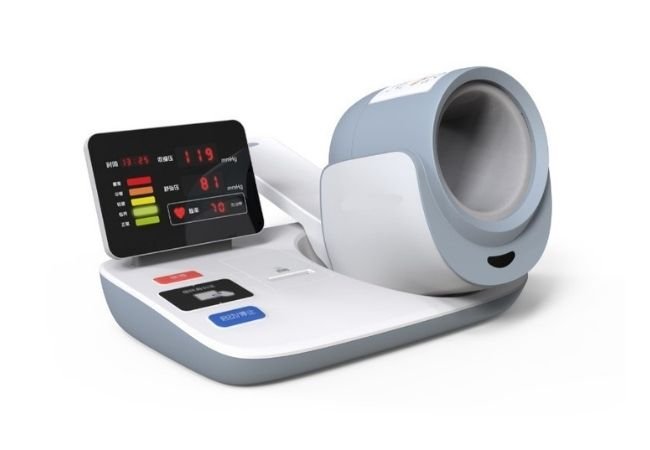
Clinical Automatic Tunnel Blood Pressure Monitor
These are selection criteria. Available functions depend on the model and proposed configuration.
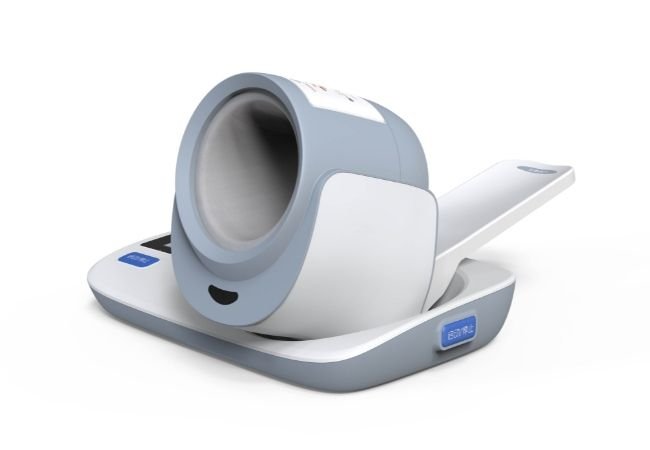
Evaluate the arm opening, supported circumference and positioning instructions for your intended users.
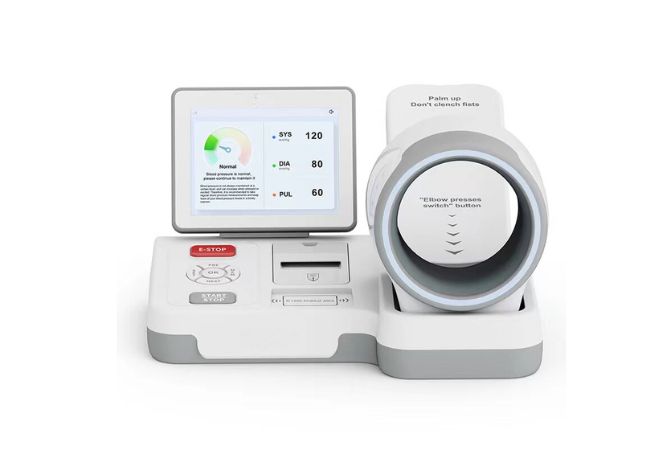
Check whether the proposed configuration provides the paper or electronic records your workflow requires.
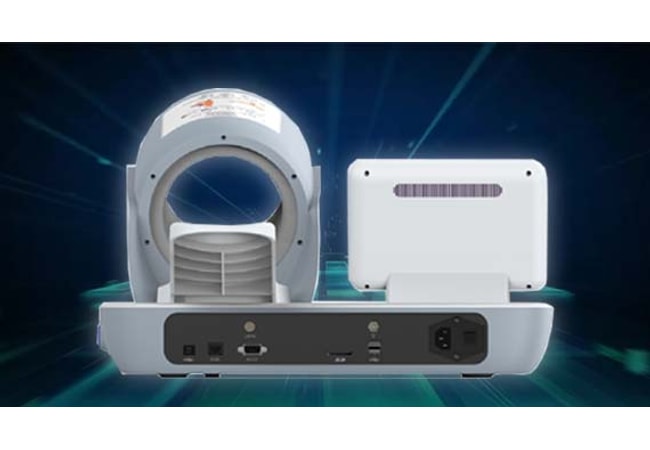
Compare documented connection options against your receiving software and local network requirements.
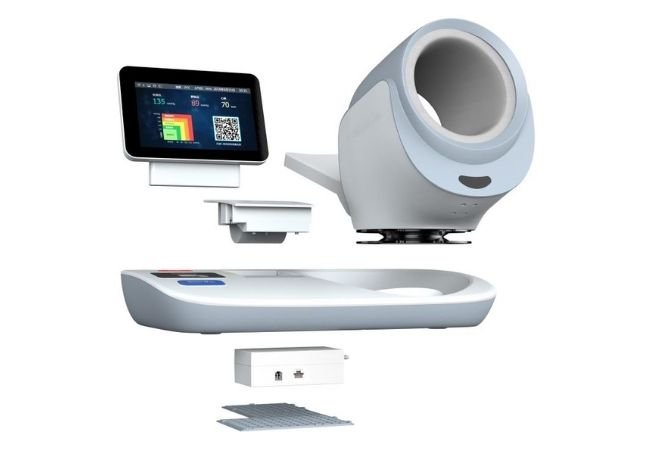
Review cleaning instructions, replacement parts and service arrangements before choosing your equipment configuration.
Model Enquiry Guide
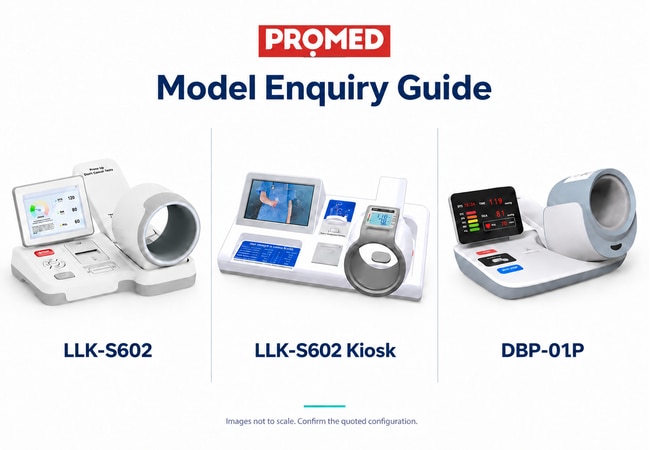
Use this table to prepare a comparable enquiry for either model. It lists purchasing requirements, not confirmed specifications or included functions.
| Model enquiry | Information to include | Information to request |
|---|---|---|
| LLK-S602 | Intended users, placement, result-recording requirements and quantity | Current model specification, configuration list and relevant documents |
| LLK-S602 Kiosk | Proposed location, supervision arrangements, language needs, identification and recording requirements, and quantity | Confirmation of the actual device model, complete station configuration, available functions and relevant documents |
| DBP-01P | Intended users, placement, recording requirements and quantity | Current model specification, configuration list and relevant documents |
Specification Checklist
| Compare this item | Ask for this evidence |
|---|---|
| Arm fit and intended users | Model-specific arm circumference range, intended use, and limitations |
| Measurement performance | Measurement method and range, pressure-display accuracy specification, and separate model-specific clinical validation evidence |
| Paper records | Printer configuration, sample output and compatible paper specification |
| Electronic records | Data fields, export format, interface documentation and software requirements |
| Kiosk configuration | Exact device model, complete station component list, and confirmation of which furniture, accessories and software are included |
| Language and identification options | Written confirmation of available interface languages and identification options for the proposed configuration and destination market |
| Installation | Equipment dimensions, power requirements and included furniture or mounting items |
| Maintenance | Cleaning instructions, replacement-part identifiers and service arrangements |
Build the Station Around Your Workflow
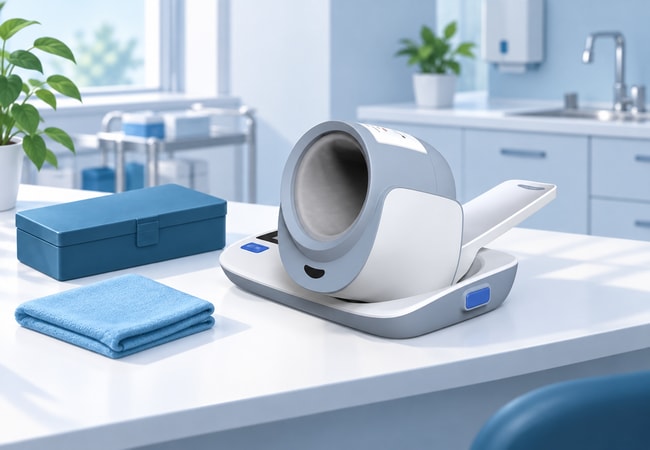
Match the Equipment to Your Users
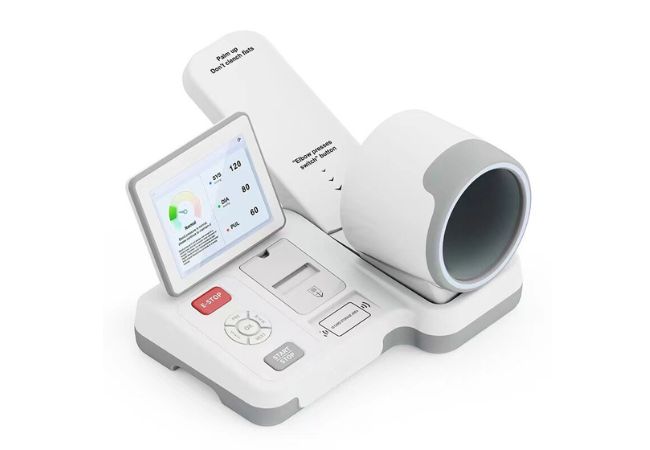
When selecting a tunnel blood pressure monitor, begin with arm fit and the manufacturer’s stated user population. An arm-in design alone does not establish suitability for everyone who visits your site. Review the instructions with the team responsible for deployment, including positioning, access, and any limitations. This gives you a practical shortlist before you compare display size or additional functions.
Make Results Useful to Your Team
Decide what happens after a reading before choosing a tunnel blood pressure monitor configuration. Your team may need a printed slip, a local record or data transferred into another system. Specify the information required on each record and request a sample output. Include paper replenishment or data-handling responsibilities in your plan so the station fits your existing administrative process.
Define a Testable Connection Requirement
If your tunnel blood pressure monitor project requires data transfer, specify the receiving system and required data fields. A physical port or wireless option does not establish software compatibility. Ask for the relevant interface documentation, then agree who will configure and test the connection. Define a successful transfer using a sample record before treating integration as part of the accepted equipment scope.
Plan for Continued Operation
A tunnel-type blood pressure monitor purchase should account for routine upkeep as well as the initial unit. Identify which components need cleaning, which are replaceable and which require technical service. Request the applicable instructions and part references with the configuration proposal. You can then discuss consumables and service arrangements without assuming that every accessory or maintenance task is included.
Procurement Scenarios
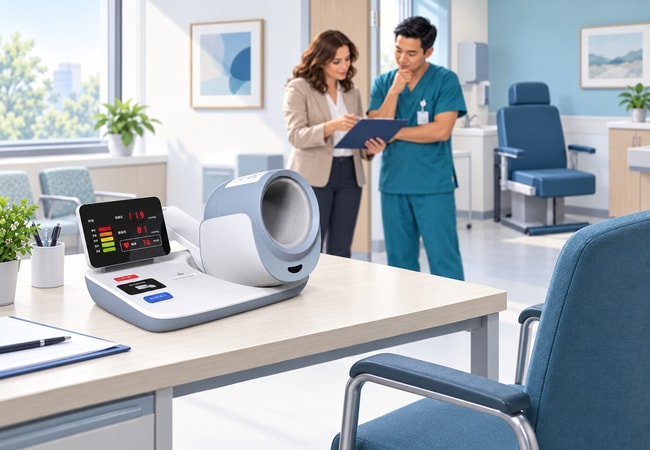
If you are specifying a blood pressure station for a hospital or clinic, describe where it will sit and who will assist users. Include the required record format and any connection to existing systems. Your equipment request should cover the monitor, necessary supporting items, and installation responsibilities, allowing the purchasing and clinical teams to assess the same proposed configuration.

For a pharmacy or community project, identify who will supervise the station, manage records, and arrange cleaning. If your brief calls for a kiosk-style setup, request confirmation of the actual device model and the complete station configuration. Include your language and identification requirements without assuming they are available. This keeps the equipment request tied to how the site will operate.
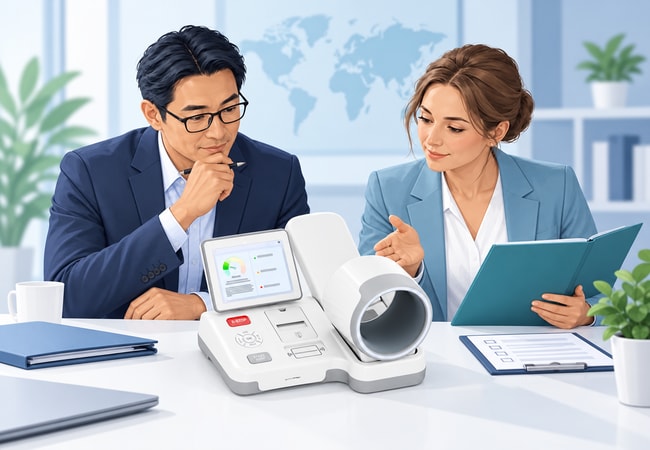
When evaluating a tunnel blood pressure monitor for distribution, keep a separate record for each model and configuration. Include product identity, supporting documents, consumables, and the proposed service route. Define how your team will identify replacement items after delivery. This helps you build a product offer around documented equipment scope rather than carrying one set of claims across different models.
Prepare a Complete Quotation Request
Send PROMED your destination country, estimated quantity and model of interest. If you have not selected a model, describe the proposed station and the functions you need. You can include a purchasing specification and distinguish essential requirements from preferences. Ask for the quotation to identify the proposed model, included items, separately priced options and commercial terms, so your team can evaluate the total equipment scope.
Related Product

Frequently Asked Questions
Agree a sample evaluation scope before purchasing a larger quantity. It can cover the supplied configuration, usability, output format, installation requirements and documentation. Record which checks your team will perform and which require the manufacturer’s evidence or qualified technical support. A successful demonstration of basic operation should not be treated as a clinical validation study or proof of market eligibility.
Do not assume this from the product name or arm-in design. Ask for the intended-use statement and relevant evidence for the population your project serves. If your requirements include children, pregnant users or other specified groups, identify that need at the enquiry stage. The responsible clinical team should assess suitability against the exact model documentation before deployment.
Your review should connect the quoted model, product label, instructions and applicable market documents. Check the document holder, covered models, scope and current status with the party responsible for your market requirements. If a sales model name differs from the name in the technical documents, request a written explanation of the relationship before accepting the paperwork as a match.
If your proposed configuration uses identification or stores personal records, establish what data is collected and where it is held. Discuss access control, export, deletion and any external hosting with your IT or privacy team. Confirm the actual software behaviour during evaluation. Do not assume that an identity reader, storage capacity or privacy arrangement applies to every configuration.
Ask the supplier to itemise the offer. The monitor, furniture, mounting items, printing supplies, software and installation work should each be identified as included, optional or outside scope where relevant. Compare quotations using the same list of requirements. A product photograph or the word “kiosk” does not establish which equipment and services will arrive with your order.
Provide the model requirements, quantity, destination and requested options when asking about delivery. Obtain the proposed schedule and its conditions in writing. For after-sales arrangements, clarify the warranty scope, exclusions, support route and responsibility for freight or replacement parts. Use the terms attached to your actual order rather than assuming one delivery period or service package applies to all purchases.
Describe the change you need, such as a label, language interface or report layout, and ask for a feasibility review. Availability depends on the selected product and the responsible supplier’s written confirmation. Before including a change in your order, establish its cost, acceptance criteria, documentation implications and effect on delivery. An enquiry does not establish that OEM or software development services are available